 Skip to content
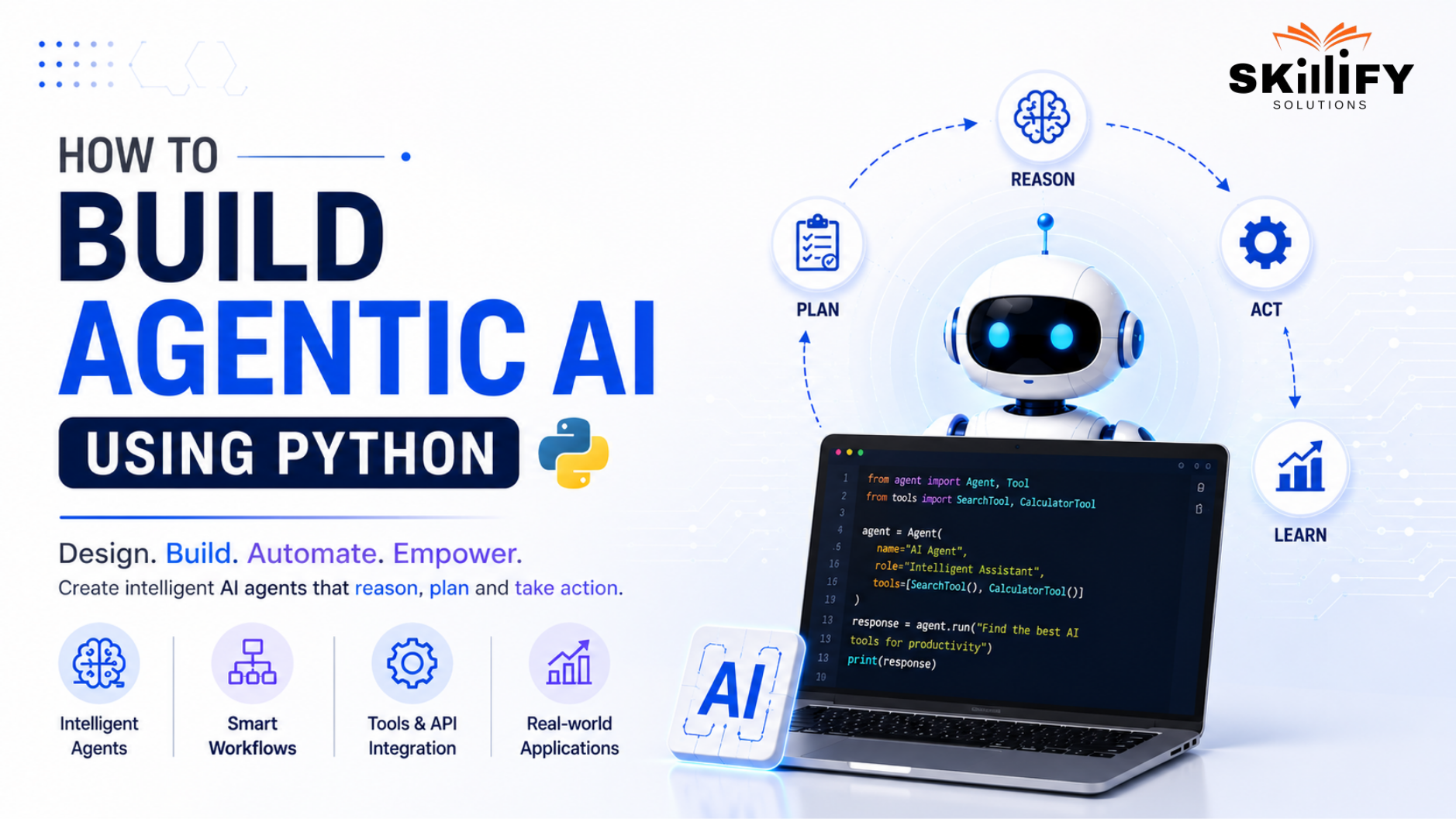
Key Highlights of How to Build Agentic AI Using Python
- Learn how to build agentic AI using Python step by step.
- Build AI agents with Python, LangChain, and LangGraph.
- Follow a practical agentic AI Python tutorial for beginners.
- Understand the ReAct pattern for AI reasoning and actions.
- Add tools, memory, and workflows to your AI agent.
- Deploy and monitor production-ready agentic AI applications.
You can build an agentic AI using Python by combining LangChain for tool integration and LangGraph for workflow orchestration. Together, they transform a language model into an AI agent capable of planning, reasoning, and completing multi-step tasks.
Building a chatbot takes minutes. Building an AI agent that remembers context, decides what to do next, and uses external tools is a completely different challenge. I learned this after spending hours trying to prompt engineer behavior that actually required workflow design.
That’s exactly why this blog exists. Rather than overwhelming you with theory, we’ll build a real-world project that teaches the foundations of agentic AI through hands-on implementation. By the end, you’ll understand how modern AI agents are designed and you’ll have one running on your own machine.
How to Build Agentic AI Using Python: What You’ll Build
In this blog, you’ll build a real-world agentic AI application using Python, LangChain, and LangGraph. Instead of creating a chatbot that only responds to prompts, you’ll develop an AI agent capable of planning tasks.
They tend to use external tools, managing workflow state, and generating meaningful outputs. If you’re new to autonomous AI systems, our guide on What is Agentic AI explains the core concepts and how agentic AI differs from traditional AI models.
Build a Real-World AI Agent for Research and Dependency Mapping
The AI agent you’ll build is designed to perform multi-step research and identify dependencies between related tasks or features.
Rather than relying on a single prompt, the agent follows a structured workflow to collect information, process it, and generate organized outputs. The SAFe for Teams (6.0) course shows how AI can improve collaboration and planning across Agile teams.
In this project, your AI agent will:
- Accept a research query as input.
- Search for relevant information using external tools.
- Summarize the collected results.
- Map dependencies between related topics or tasks.
- Return a structured response for easier decision-making.
Transform Agile planning with AI with our SAFe Scrum Master (6.0) course and lead smarter, data-driven teams!
Tools and Setup Required for This Tutorial
Before building the AI agent, make sure your development environment is ready with the required tools and libraries.
You’ll need:
- Python 3.10 or later.
- A virtual environment for dependency management.
- LangChain for LLM integration and tool creation.
- LangGraph for building stateful AI workflows.
- An LLM provider such as OpenAI or a local model through Ollama.
- A code editor like Visual Studio Code.
Why Use LangChain and LangGraph Together
LangChain and LangGraph complement each other in building agentic AI systems. LangChain handles prompts, models, tools, and integrations, while LangGraph manages workflow, state, and decision-making across multiple steps.
Together, they help create AI agents that can plan, use tools, maintain context, and execute complex tasks more efficiently. The Leading SAFe (6.0) course explores how AI supports decision-making across Agile Release Trains.
Core Concepts of Agentic AI
Before building an AI agent, it’s important to understand how agentic AI differs from traditional chatbots and the core concepts that enable autonomous decision-making.
These fundamentals help you design AI systems that can plan, use tools, and complete multi-step tasks efficiently.
Agentic AI vs Traditional AI Chatbots
| Agentic AI | Traditional AI Chatbots |
| Plans and executes multi-step tasks. | Responds to one prompt at a time. |
| Use external tools and APIs. | Primarily generates text responses. |
| Maintains state and context across workflows. | Limited conversation memory. |
| Makes decisions based on task progress. | Follow direct user instructions. |
| Suitable for automation and complex workflows. | Best for Q&A and conversational tasks. |
Strengthen your AI and machine learning expertise through the Data Science Bootcamp and build intelligent solutions!
Key Design Patterns in Agentic AI Systems
Most agentic AI applications follow a few common design patterns:
- Planning: Breaks complex tasks into smaller steps.
- Tool Calling: Uses external tools to gather or process information.
- State Management: Tracks progress throughout the workflow.
- Reflection: Evaluates outputs and improves results when needed.
The AI-Empowered SAFe POPM course explores how AI can enhance planning, prioritization, and value delivery.
Why Planning and Tool Use Matter
Planning helps AI agents determine the best sequence of actions, while tools enable them to access real-time information and perform tasks beyond text generation. Together, they make AI agents more accurate, adaptable, and capable of handling complex workflows.
Set Up Your Python Environment for Agentic AI
Before you start building your AI agent, you’ll need to set up a Python development environment. This involves installing the required frameworks, configuring a language model, and verifying that everything works correctly.
Install Python and Create a Virtual Environment
Begin by installing Python 3.10 or later on your system. Once installed, create a virtual environment for your project. This keeps your project dependencies isolated, making it easier to manage libraries and avoid conflicts with other Python applications.
Tip: Always use a virtual environment for AI projects. It keeps your workspace clean and makes collaboration much easier.
Install LangChain, LangGraph, and Dependencies
Begin by installing Python 3.10 or later on your system. Once installed, create a virtual environment for your project. This keeps your project dependencies isolated, making it easier to manage libraries and avoid conflicts with other Python applications.
Tip: Always use a virtual environment for AI projects. It keeps your workspace clean and makes collaboration much easier.
Configure API Keys or Local Models with Ollama
To run your AI agent, you’ll need access to a large language model. You can either configure an API key for a cloud-based model, such as OpenAI, or use Ollama to run supported open-source models locally.
If you’re just getting started, cloud APIs are quick to set up. For offline development or greater control over your environment, Ollama is a great alternative.
Run Your First LangChain Script
Before building the full agent, run a simple LangChain example to confirm that your environment is configured correctly. A successful response verifies that your Python setup, dependencies, and language model are all working together.
Tip: Testing your setup early helps you catch configuration issues before you start building more complex agent workflows.
Build AI Agent Tools with LangChain
Tools give AI agents the ability to interact with external systems, retrieve real-time information, and process data. In LangChain, tools extend an LLM’s capability, enabling agents to perform tasks that go beyond text generation.
What Are LangChain Tools?
LangChain tools are callable functions that an AI agent uses to perform specific actions. They allow the agent to access external data, execute tasks, and return results to support reasoning and decision-making.
Common tools include:
- Web search
- Document retrieval
- Summarization
- API integrations
If you’re interested in building production-ready AI applications with Python beyond this project, the Full Stack Development Bootcamp is the best. It provides hands-on experience in developing and deploying modern software solutions.
Create a Web Search Tool
A web search tool enables your AI agent to retrieve the latest information from the internet. This improves response accuracy for tasks like research, news analysis, and fact-based queries where up-to-date data is essential.
Build a Summarization Tool
A summarization tool condenses large amounts of text into concise, actionable insights. It helps the agent extract key information, making outputs easier to understand and use.
Many modern Agentic AI Tools include built-in summarization capabilities that simplify document analysis and research tasks.
Test Your Tools Before Integration
Test each tool independently before integrating it into your agent. This ensures it produces accurate results, handles errors correctly, and works reliably within the overall workflow.
Build an Agentic AI Workflow with LangGraph
LangGraph provides the workflow engine for your AI agent. It organizes tasks into connected steps, manages state between them, and enables the agent to execute complex workflows reliably.
What is LangGraph and Why it Matters
LangGraph is a framework for building stateful, multi-step AI agents. It extends LangChain by allowing agents to follow structured workflows, make decisions, and maintain context throughout execution.
Define State for Workflow Management
State stores the information your agent needs as it moves through the workflow. It allows outputs from one step, such as search results, to be reused by later steps like summarization or analysis.
Create Search and Summarization Nodes
In LangGraph, each task is represented as a node. For this project, you’ll create separate nodes for web search and summarization, with each node performing one specific function.
Connect Nodes with Workflow Edges
Edges define how the agent moves from one node to another. They control the workflow, ensuring tasks are executed in the correct order, and enable conditional routing when needed.
Run and Debug Your First LangGraph Agent
Run the completed graph to verify that each node executes correctly, and data flows through the workflow as expected. Debugging at this stage helps identify issues before deploying your AI agent.
Advance your enterprise Agile career with the AI-Empowered SAFe Release Train Engineer (6.0) course today!
Add Memory to Your Agentic AI System
Memory allows AI agents to retain context and use past interactions to make better decisions. It improves continuity across tasks and enables more personalized, efficient workflows.
Why AI Agents Need Memory
Memory helps AI agents remember previous inputs, completed tasks, and important contexts. This allows them to perform multi-step workflows without repeatedly asking for the same information.
Implement Short-Term Memory with Checkpointers
LangGraph uses checkpointers to save the current workflow state during execution. This short-term memory enables the agent to resume tasks, maintain context, and recover from interruptions.
Add Long-Term Memory Using Vector Databases
Long-term memory is typically stored in vector databases, allowing the agent to retrieve relevant information from previous conversations or documents using semantic search.
Since vector databases and embeddings are closely related to AI and analytics, the Data Science Bootcamp is a great next step for learning how intelligent systems process, retrieve, and analyze data.
Test Memory Across Sessions
Test your agent by running multiple sessions and verifying that it retains the required context. This ensures memory is stored, retrieved, and applied correctly across different interactions.
Real-World Use Case: AI Agent for Agile PI Planning
Agentic AI can simplify Agile PI Planning by automating repetitive tasks, improving visibility into dependencies, and helping teams make faster planning decisions.
Identify Dependencies Across Project Features
The agent reviews project features and requirements to uncover relationships between work items. It can identify:
- Feature-to-feature dependencies
- Blockers and potential risks
- Shared resources or teams
- Missing prerequisite tasks
AI agents complement proven Agile Estimation Techniques by helping teams identify dependencies and estimate work more efficiently.
Adapt Agent Tools for Agile Workflows
| Planning Need | AI Tool |
| Gather project data | Web search or API tool |
| Summarize features | Summarization tool |
| Find dependencies | Analysis tool |
| Store planning context | Memory module |
Use the Agent During PI Planning Sessions
Teams can use the AI agent to:
- Prepare feature summaries before planning.
- Highlight dependencies automatically.
- Answer planning-related questions.
- Generate meeting notes and action items.
If your goal is to apply AI within Agile Release Trains and PI Planning, the AI-Empowered SAFe for Teams (6.0) course demonstrates how AI can improve collaboration, planning, and team execution.
Debug, Monitor, and Deploy Your AI Agent
Once your agent is working, the next step is to test, monitor, and deploy it for real-world use.
Monitor Agent Behavior with LangSmith
LangSmith provides visibility into your agent’s execution by helping you:
- Trace workflow execution
- Inspect tool calls
- Monitor prompts and responses
- Identify performance issues
Common Agentic AI Debugging Mistakes
Common issues include incorrect workflow logic, missing state updates, tool failures, and poor prompt design. Testing each component individually helps resolve these problems quickly.
Deploy LangGraph with FastAPI
You can deploy your LangGraph application by integrating it with FastAPI, allowing the AI agent to serve requests through REST APIs for web or enterprise applications.
After deploying your AI application, combining it with Agile Test Automation practices helps ensure reliable releases and continuous delivery.
Production Metrics to Monitor
Monitoring production metrics helps maintain a reliable, scalable, and production-ready AI agent. Track key metrics such as:
- Response latency
- Tool success rate
- Token usage
- Error rate
- Memory performance
The SAFe DevOps (6.0) course helps you understand continuous integration, deployment, and delivery practices for production-ready applications.
Conclusion
Building an agentic AI with Python is easier when you take it one step at a time. In this guide, you learned the basics of agentic AI, set up your Python environment, built tools with LangChain, and created a workflow using LangGraph.
You also explored how memory improves AI agents, saw a real-world Agile PI Planning example, and learned how to debug and deploy your application. These concepts form the foundation of modern AI agents that can plan, use tools, and complete tasks efficiently.
Keep experimenting with different tools and workflows, and you’ll be well on your way to building smarter, more capable AI applications for real-world use cases.
Turn your AI knowledge into real-world skills with our leading Full Stack Development Bootcamp today!
Frequently Asked Questions
1. What is LangGraph and why is it used in AI agents?
LangGraph is a framework for building stateful, multi-step AI agents. It manages workflows, maintains context between steps, and helps agents make decisions during task execution.
2. What is the ReAct pattern in agentic AI?
The ReAct (Reason + Act) pattern enables AI agents to reason through a problem, use tools when needed, observe the results, and continue until the task is completed.
3. Can you build agentic AI without OpenAI API?
Yes. You can build agentic AI using open-source models with Ollama, Llama, Mistral, or other supported LLMs instead of the OpenAI API.
4. How is agentic AI different from a chatbot?
Agentic AI can plan tasks, use external tools, maintain memory, and execute multi-step workflows. A chatbot mainly responds to user prompts without autonomous planning.
5. What is a tool in LangChain?
A tool in LangChain is a callable function that allows an AI agent to perform tasks such as web searches, API calls, database queries, or document retrieval beyond text generation.


