 Skip to content
Introduction
Project Management in 2026 is not what it used to be. Today, your tool can auto-create tasks, predict delays, and even summarize your entire project in seconds.
Sounds perfect, right? Yet somehow deadlines still slip, quick updates turn into 30-message threads, and someone still says, Wait, who’s doing this? Relatable?
I’ve seen teams jump from Trello to Asana to ClickUp in 3 months, thinking the next tool will fix everything. It doesn’t. Because the problem lies in choosing the wrong fit for how your team actually works.
That’s exactly what this blog will fix. You’ll find the best Project Management Tools, real comparisons, AI insights, and what employers actually expect you to know, so you can make smarter decisions.
By the end, you will know which one actually works for your use case, your team, and your growth stage. Read on to know more!
What Are Project Management Tools?
Project Management Tools are software platforms designed to help individuals and teams plan, organize, and manage their work efficiently. Instead of relying on scattered emails, spreadsheets, or manual tracking, these tools bring everything into one centralized system. Here, tasks, timelines, and communication are managed in one place.
In simple terms, they act as a control center for projects. They allow managers to assign tasks, track progress, manage deadlines, and ensure that teams stay aligned. Most modern tools are cloud-based, meaning teams can access them from anywhere and collaborate in real time.
They work by breaking a project into smaller tasks, assigning those tasks to team members, setting deadlines, and continuously tracking progress through dashboards or visual boards. This structured approach helps businesses avoid delays, reduce confusion, and improve overall productivity.
If you’re new to project management, starting with a structured learning path like a Scrum Master Bootcamp can help you understand how these tools are actually used in real projects.
Key Features of Project Management Software
A good project management tool is defined by how well it simplifies execution. While features can vary across platforms, the following are the must-have capabilities:
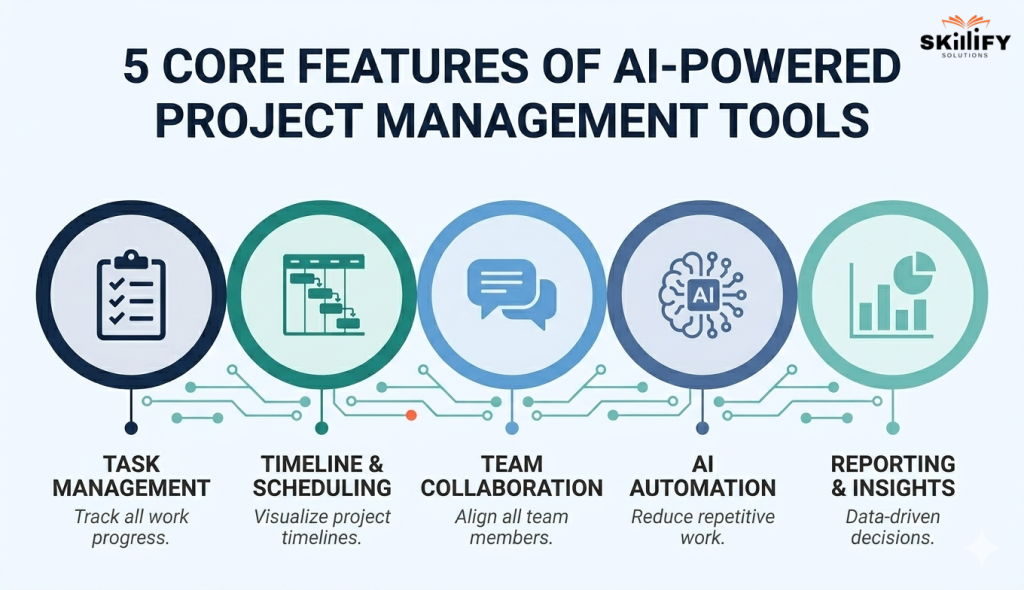
- Task Management: Create, assign, prioritize, and track tasks with clear ownership and status updates.
- Timelines and Scheduling: Visualize deadlines, dependencies, and project progress using calendars or Gantt charts.
- Team Collaboration: Enable real-time communication through comments, file sharing, and notifications.
- Reporting and Insights: Track performance with dashboards and reports to identify delays, risks, and productivity gaps.
Start with Scrum Master Bootcamp and learn how real teams manage projects effectively!
10 Best Project Management Tools in 2026
Some tools are built for simple task tracking, while others focus on enterprise-level automation, Agile workflows, or cross-functional collaboration.
Based on industry comparisons and expert reviews, tools rank according to their feature depth, scalability, and usability. Below is a master comparison table to help you quickly evaluate the best tools in 2026:
| Tool Name | Best For | Free Plan | Paid Price | Key Feature | Agile Compatible |
| ClickUp | All-in-one teams and startups | Yes | $7/user/month | Tasks, docs, goals, and chat in one platform | Yes |
| Asana | Mid to large teams | Yes | $10.99/user/month | Workflows, goals, and automation tracking | Yes |
| Trello | Simple task management | Yes | $5/user/month | Kanban boards for visual workflows | Yes |
| Notion | Documentation and lightweight PM | Yes | $8/user/month | Notes, databases, and tasks in one workspace | No |
| Monday.com | Small to mid-sized businesses | Yes | $9/user/month | Visual dashboards and workflow automation | Yes |
| Wrike | Enterprise collaboration | Yes | $9.80/user/month | Advanced reporting and real-time analytics | Yes |
| Jira | Development and Agile teams | Yes | $7.75/user/month | Sprint planning and backlog management | Yes |
| Smartsheet | Spreadsheet-style PM | No | $9/user/month | Excel-like interface with automation | Yes |
| Zoho Projects | Budget-friendly teams | Yes | $4/user/month | Time tracking and task automation | Yes |
| Teamwork | Client or project delivery teams | Yes | $10/user/month | Client collaboration and time tracking | Yes |
These tools are skills employers actively look for. In fact, the Project Manager Job Market today specifically mentions tools like Jira, Asana, or Agile workflows.
AI Project Management Tools in 2026: How AI Is Transforming Workflows
Artificial Intelligence is transforming project management from a manual tracking system into an intelligent decision-making system. Instead of just organizing tasks, modern tools now act like digital assistants. They tend to help teams plan faster, predict risks, and automate repetitive work.
This reduces manual effort and allows project managers to focus more on strategy, problem-solving, and team coordination rather than day-to-day execution.
Key AI Features in Modern PM Tools
Modern AI-powered project management tools go beyond basic automation. They actively assist teams with:
- Auto-Scheduling and Planning
- Risk Detection and Alerts
- Task Summarization and Insights
- Workflow Automation
- Smart Recommendation
Best AI-Powered Project Management Tools
Some of the leading tools integrating AI into project workflows include:
- ClickUp Brain: This tool offers AI-powered writing, task creation, and workflow automation inside a single workspace
- Asana AI: It focuses on smart task prioritization, goal tracking, and automated updates
- Notion AI: It helps summarize documents, extract action items, and manage knowledge + tasks together
- Wrike AI: This tool provides advanced analytics, risk prediction, and real-time performance insights
Do You Need AI Project Management Skills in 2026?
Yes, learning AI-enabled project management tools is becoming essential. Companies now expect project managers to use AI to automate tasks, analyze data, and make faster decisions. It helps you save time, improve project outcomes, and focus more on strategy instead of manual work.
Simply put, knowing AI tools can give you a strong advantage in your career and keep you relevant in the evolving job market. Programs like Product Owner Certification help you understand how to use AI in real project environments.
Free vs Paid Project Management Tools: Which One Should You Choose?
Free project management tools are often the starting point for individuals and small teams. These are easy to adopt, cost nothing, and cover basic needs like task tracking and collaboration. But as projects grow complex, teams often hit limitations that slow them down.
Paid tools, on the other hand, are built for scalability, automation, and deeper control. They offer advanced features like reporting, integrations, and resource planning, along with better support and regular updates.
| Factor | Free Tools | Paid Tools |
| Feature Access | Basic features like ask tracking, boards, and simple collaboration | Advanced features like automation, reporting, integrations, and AI |
| User Limits | Limited | Scalable for teams of any size |
| Storage | Restricted storage capacity | Higher or unlimited storage |
| Reporting and Insights | Basic or limited analytics | Advanced dashboards and real-time insights |
| Best For | Individuals, freelancers, small teams | Growing teams, businesses, and enterprise use |
| When to Upgrade | When limits block productivity | Needed for scale, control, and efficiency |
What Free Plans of Top Tools Actually Offer
Most top tools offer generous free plans, but with clear limitations:
- Trello: Kanban boards, task cards, basic automation, and limited boards
- Asana: Unlimited tasks/projects, but limited automation, reporting, and AI features
- ClickUp: Multiple views like list, board, calendar, basic docs, and limited advanced features
- Notion: Notes and task tracking, basic collaboration, limited team workflows
Most free project management tools come with a few common limitations that can impact growing teams. They often have user caps and restricted storage, which means you can only add a limited number of team members and files. In addition, automation and integration.
In addition, they are usually limited, making it harder to connect with other tools or streamline workflows. Finally, reporting and analytics features are basic or minimal, which restricts visibility into project performance and makes data-driven decision-making more difficult.
Learn how top teams work with our Product Management Bootcamp and build practical skills!
When Free Tools Are Enough
A free project management plan is enough when your needs are simple and structured. If you are a solo user, freelancer, or part of a small team of 1–5 members, free tools can easily handle task tracking, basic collaboration, and day-to-day project organization.
It also works well for student projects or when you’re just starting out and learning how project management tools work. If your projects don’t require advanced reporting, automation, or integrations, a free plan can be a practical and cost-effective choice.
5 Signs You Need a Paid Project Management Tool
You should consider upgrading when:
- Your team size exceeds the free user limit
- You need advanced reporting or performance insights
- Workflows require automation or integration
- Projects involve complex timelines, dependencies, or resource planning
- You need reliable customer support and scalability
Today, employers expect real-world application. This is why many professionals get training from SAFe® Certification with hands-on tool experience.
Project Management Tools for Career Growth in 2026
In most job descriptions, companies are not just looking for certifications like PMP or Scrum Master. They also need hands-on experience with tools that execute those methodologies in real work environments.
When you are exploring roles, it’s also important to understand how different career paths compare. For example, the difference between Scrum Master and Project Manager roles goes beyond responsibilities; it also impacts salary and growth.
Most In-Demand Project Management Tools in Job Descriptions
In 2026, certain tools consistently appear across job listings for roles like Project Manager, Product Manager, and Scrum Master:
Jira
Jira is a project management tool designed primarily for Agile and Scrum-based teams, widely used in software development. It helps teams plan, track, and release work in structured sprints.
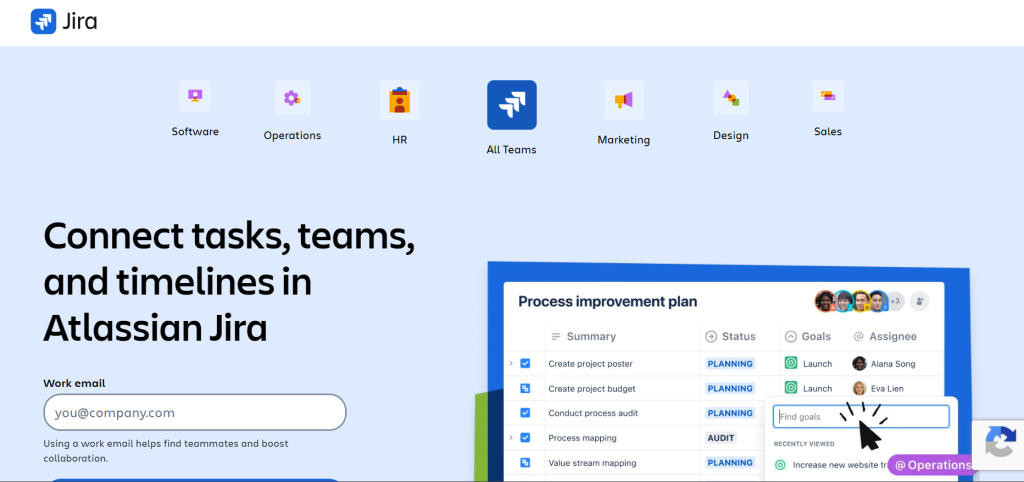
It offers strong features like backlog management, sprint planning, and issue tracking. This makes it highly effective for managing complex projects with clear workflows and continuous delivery.
Asana
Asana is a flexible project management tool used by teams to organize, track, and manage their work in one place. It is popular across industries for managing both simple and complex workflows.
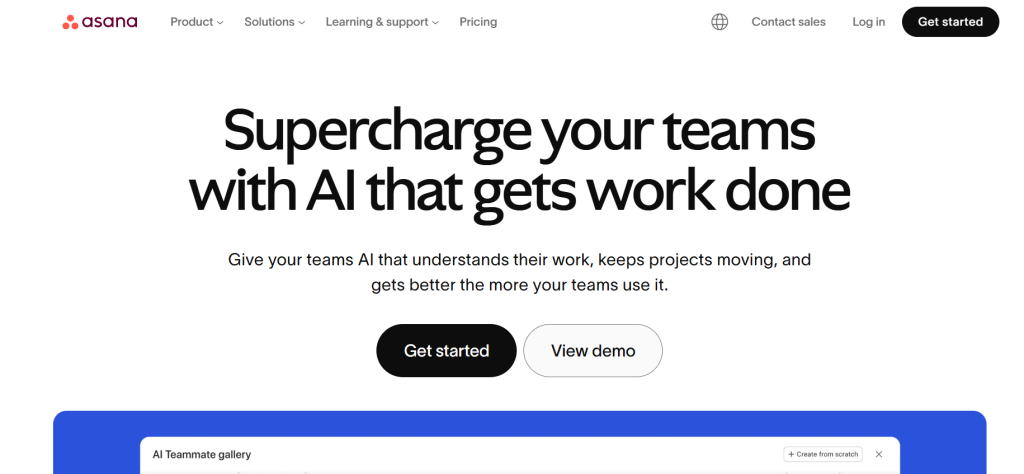
It provides easy task management, workflow automation, and goal tracking. Its clean interface and collaboration features make it ideal for cross-functional teams.
ClickUp
ClickUp is an all-in-one project management platform that combines tasks, documents, goals, and dashboards. It is designed to replace multiple tools with a single unified system.
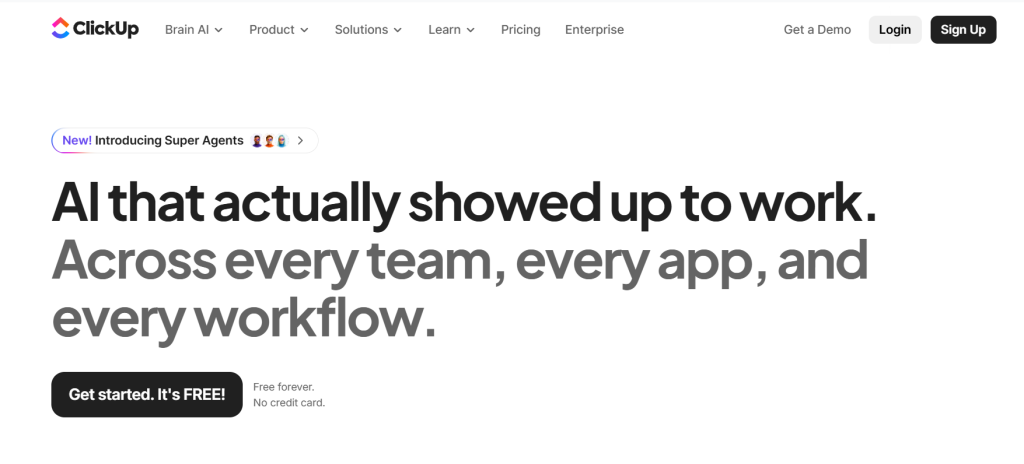
Its biggest advantage is flexibility and customization, allowing teams to tailor workflows as per their needs. It also offers multiple views like lists, boards, and calendars.
Trello
Trello is a simple and visual project management tool based on Kanban boards. It helps teams organize tasks using cards and lists.
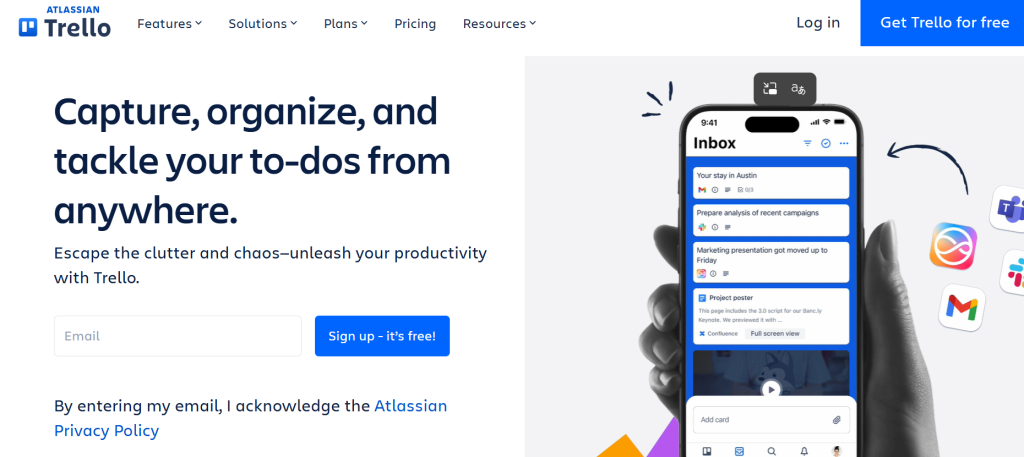
It is easy to use and quick to set up, making it ideal for small teams and beginners. Its visual layout makes tracking progress very intuitive.
Ready for leadership roles? Start with our Lean Portfolio Management course to scale projects confidently.
Monday.com
Monday.com is a work operating system that helps teams manage projects, workflows, and daily operations. It is widely used for both project tracking and business processes.
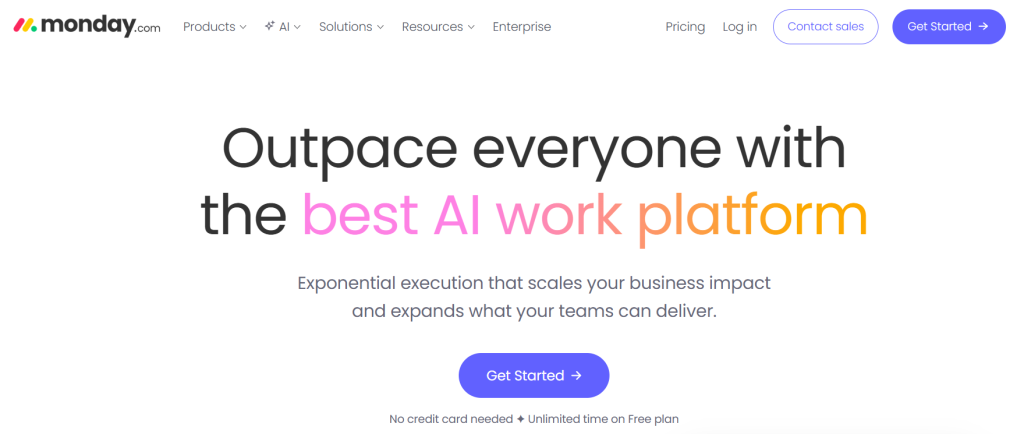
It offers high customization, automation, and visual dashboards. This makes it useful for teams that need flexibility and real-time visibility.
Wrike
Wrike is a powerful project management tool built for teams that need advanced collaboration and reporting. It is commonly used by large organizations and enterprises.
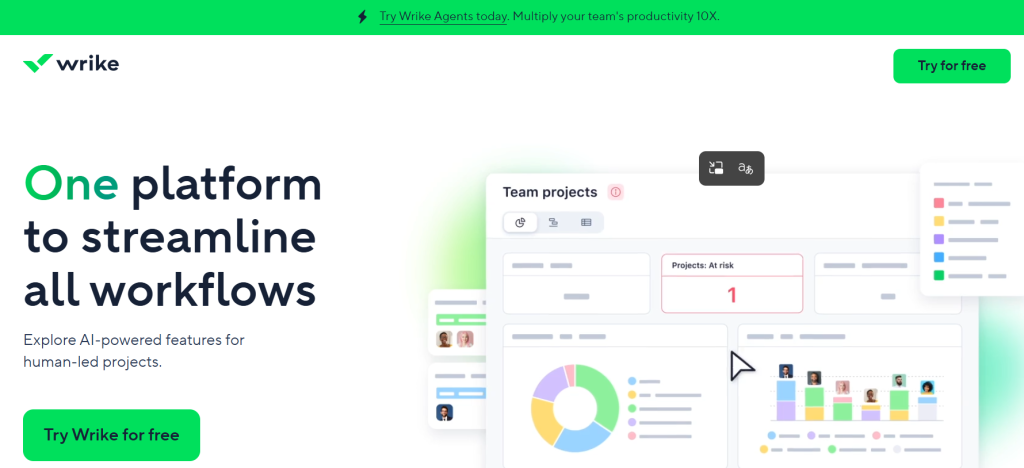
It provides detailed analytics, real-time reporting, and strong workload management. This helps teams handle complex projects efficiently and on a large scale.
If you’re starting, learning tools like Jira or Agile workflows through a Scrum Master bootcamp can give you a strong foundation and make it easier to transition into real job roles.
Best Tools for Certifications
Different project management certifications align with specific tools based on their methodology and use cases.
| Certification | Tools | Key Use |
| Scrum Master | Jira, Trello, ClickUp | Sprint planning, backlog, Agile workflows |
| SAFe® | Jira, Wrike, Monday.com | Multi-team coordination, enterprise Agile |
| PMP | Microsoft Project, Smartsheet, Asana | Planning, timelines, reporting |
How to Choose the Right Project Management Tool
Choosing the right project management tool is about finding the best fit for your team’s workflow, not just the most feature-rich option.
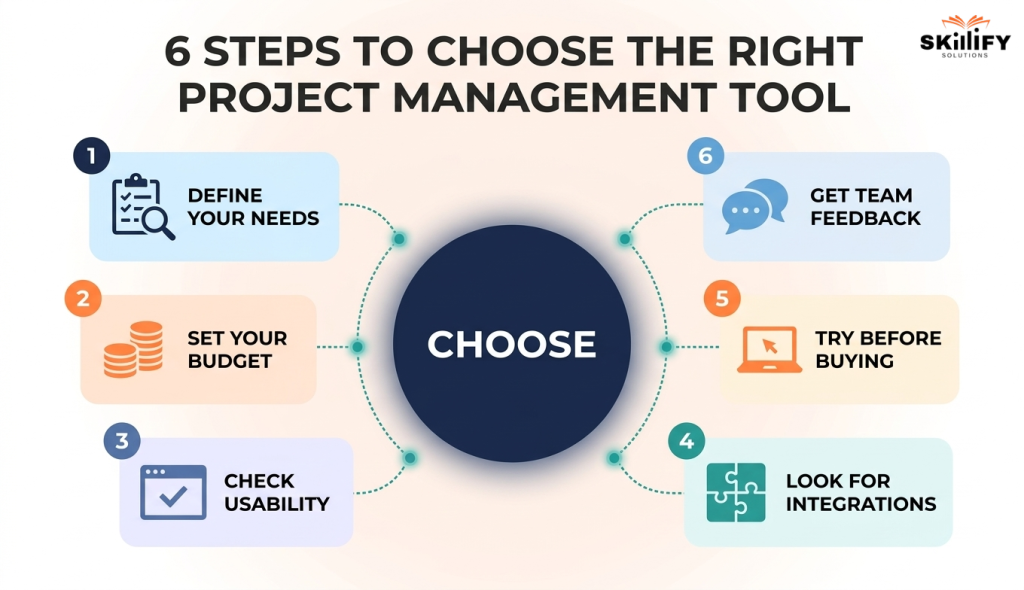
Step 1: Define your needs and understand your team size, project type, and must-have features. List your non-negotiables first, like task tracking, timelines, and reporting. Don’t get distracted by extra features you won’t use.
Step 2: Set a budget and plan for current costs and future scaling. Check pricing per user and how it increases as your team grows. Hidden costs often come from upgrades and add-ons.
Step 3: Check usability to ensure the tool is simple and easy to adopt. If your team needs too much training, adoption will fail. Choose something intuitive from day one.
Step 4: Look for integrations that should connect with your existing tools. Make sure it works with tools like Slack, Google Drive, or your CRM to avoid manual work.
Step 5: Try before buying with real projects using free trials. Don’t just explore features, run a small live project to see how it performs in real scenarios.
Step 6: Get team feedback and choose what your team is comfortable using. Ask daily users, not just managers. If they don’t like it, they won’t use it.
Step 7: Think long-term and pick a tool that can grow with your needs. Choose something scalable, so you don’t have to switch tools again in 6 months.
The demand for project management professionals is also growing rapidly, especially in Agile and tech-driven roles. Understanding What Hiring Managers Want in Agile Roles can help you choose the right tools and skills to focus on.
Conclusion
Project management today is less about tracking tasks and more about working smarter. The right tool can bring clarity, improve collaboration, and help your team stay on track without constant follow-ups.
But the best choice depends on your situation, your team size, your projects, and how you prefer to work. There’s no one-size-fits-all answer.
Start simple, test what works, and grow from there. Don’t chase features, focus on usability and consistency.
At the end of the day, a good project management tool should reduce your effort, not add to it. Choose the one that helps your team work better, not harder.
Upgrade your career with the AI-Empowered Scrum Master courseand stay ahead of industry trends!
Frequently Asked Questions
1. What is the easiest project management tool for a complete beginner?
Tools like Trello and Asana are considered the easiest for beginners. They have simple interfaces, visual boards, and require little to no training to get started.
2.Do I need project management tools if I work alone on small projects?
Not necessarily, but they can help you stay organized. Even for solo work, tools can improve task tracking, planning, and time management.
3. What is the difference between project management tools and project management software?
There is no major difference; both terms are used interchangeably. They refer to platforms that help plan, track, and manage projects efficiently.
4. Which project management tool should I learn to get hired as a project manager in the US?
Jira, Asana, and ClickUp are among the most in-demand tools. Learning at least one of these can improve your chances of getting hired.
5. Can project management tools help with Agile or Scrum workflows?
Yes, many tools like Jira, ClickUp, and Trello are designed to support Agile and Scrum methods, including sprint planning, backlog management, and team collaboration.


