 Skip to content
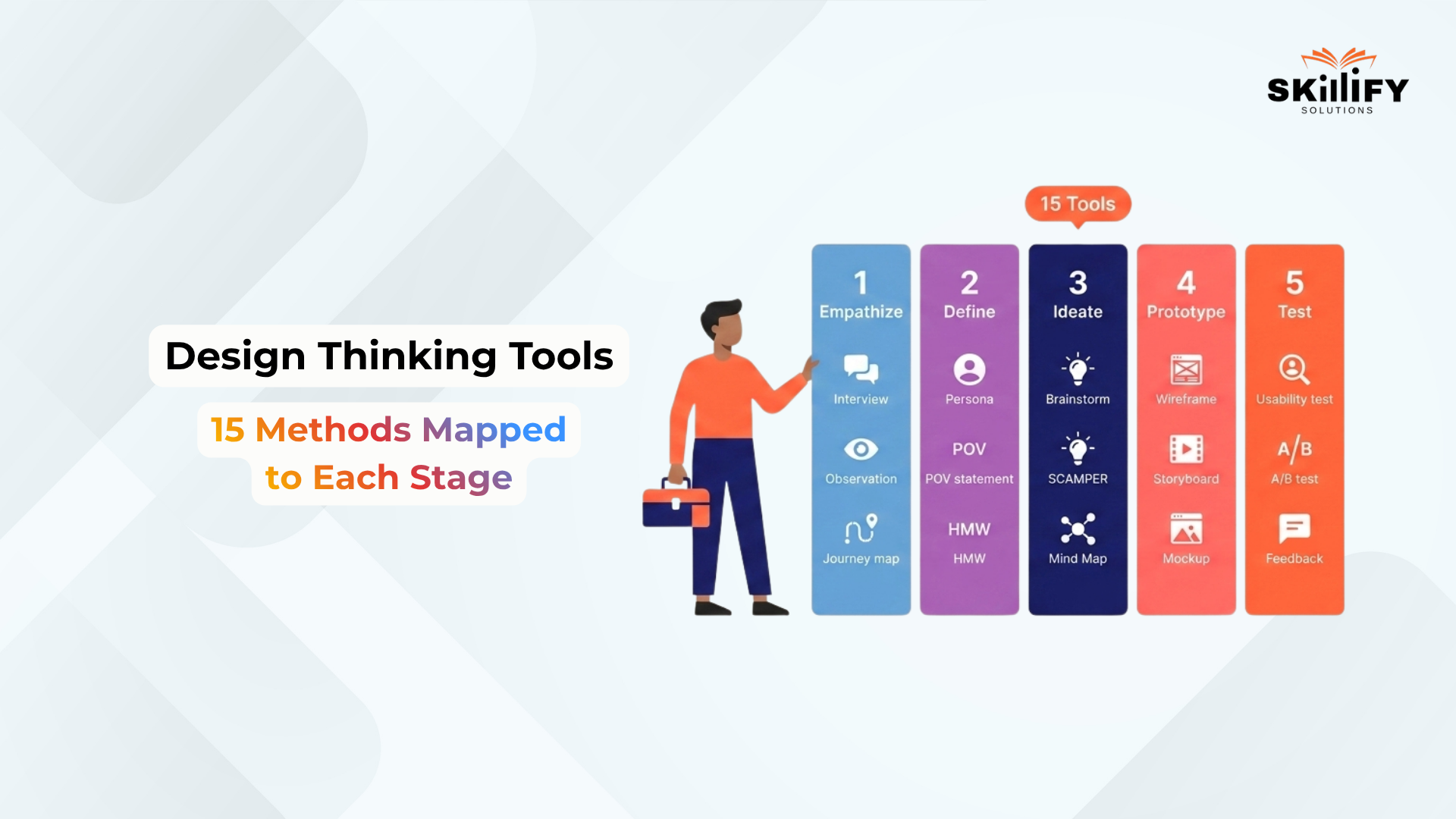
Design thinking tools help teams stop designing from opinion and start designing from evidence. That sounds simple, but it is one of the biggest shifts in product, UX, business, and innovation work.
Many teams begin with ideas they personally like. The problem is, users may not think, behave, or decide the same way. Design thinking tools help close that gap.
They help you listen to users, observe behaviour, organize research, create problem statements, brainstorm ideas, build quick prototypes, and test them before investing too much time or money.
Think of them as the working kit behind every strong design thinking process. Without tools, the process can become messy. With the right tools, every stage becomes clearer.
In this blog, we will look at 15 essential design thinking tools, mapped stage by stage, so you can understand which tool to use for user research, ideation, prototyping, and testing.
What Are Design Thinking Tools?
Design thinking tools are software, platforms, and templates that help teams apply design thinking in a structured way. They make the design thinking process more practical and organized.
Instead of depending only on discussion or guesswork, teams can use tools to collect user feedback, map customer journeys, create personas, brainstorm ideas, design prototypes, and validate them with real users.
In simple terms, design thinking tools help turn creative thinking into a clear, step-by-step problem-solving process. They do not replace design thinking methods like empathy mapping, brainstorming, or usability testing.
Why the Right Design Thinking Tool Matters
Design thinking is not one single activity. Each stage has a different goal, so it needs different tools. Using the right tool at the right stage keeps the process clear, collaborative, and focused on real user needs.
The 5-Stage Stanford Framework for Tool Selection
The Stanford design thinking framework has five stages:
- Empathize: Use research tools to understand users, their needs, pain points, and behaviour. Examples: Typeform, Hotjar, UserTesting.
- Define: Use organization tools to turn research into clear problem statements, personas, and user journeys. Examples: EnjoyHQ, Make My Persona, FlowMapp.
- Ideate: Use collaboration tools to brainstorm, map ideas, and explore possible solutions. Examples: Miro, Ideaflip, MindMeister.
- Prototype: Use design tools to create quick, testable versions of the idea. Examples: Figma, InVision, Adobe XD.
- Test: Use testing tools to collect user feedback, validate designs, and improve the solution. Examples: Maze, UXtweak, Mural.
Build product thinking faster with SAFe® Agile Product Management Certification today.
Physical vs digital design thinking tools
Design thinking can be used with both physical and digital tools. The right choice depends on team location, project size, and collaboration needs.
| Type | Best For | Examples |
| Physical Tools | In-person workshops, quick sketching, and team discussions | Sticky notes, whiteboards, paper sketches, printed journey maps |
| Digital Tools | Remote teams, organized research, real-time collaboration, and prototype testing | Miro, Figma, Typeform, Hotjar, Maze |
| Best Choice | Use physical tools for fast offline thinking and digital tools for scalable, shareable work | Combine both when possible |
Stage 1: Empathize
The Empathize stage helps teams understand user needs, pain points, behaviour, and expectations before designing a solution.
1. Typeform
Typeform is a survey and form-building tool used to collect user feedback, interview responses, and research inputs. In the Empathize stage, it helps teams ask structured questions and collect insights that can later be converted into empathy maps, such as what users say, think, do, and feel.
Pros:
- Easy to create clean, engaging surveys
- Good for user research forms, feedback forms, and interview screeners
- Useful for collecting responses at scale
Cons:
- Not ideal for deep qualitative research
- Advanced logic, branding, and higher response limits require paid plans
- Responses still need manual analysis for deeper insights
Price: Typeform has a free plan. Paid plans start from $28/month for Basic, with higher plans like Plus and Business available for larger teams and higher response needs.
2. Hotjar
Hotjar is a behaviour analytics and feedback tool that shows how users interact with a website through heatmaps, recordings, and surveys. It supports observation and shadowing by helping teams watch what users actually do instead of only relying on what they say.
Pros:
- Helps observe real user behaviour on websites
- Useful for finding friction, drop-offs, and confusing sections
- Combines visual behaviour data with direct user feedback
Cons:
- Works best only when the website has enough traffic
- Requires privacy and consent setup
- Pricing can increase for larger websites or advanced needs
Price: It has free access options, while paid plans start at $39 per month. It varies based on product bundle, usage, and business needs.
3. UserTesting
UserTesting helps teams collect video feedback from real users while they interact with websites, apps, or prototypes. It is useful for user interviews, think-aloud testing, and asking deeper questions that reveal real needs, not just stated needs.

Pros:
- Strong for real user interviews and video-based feedback
- Useful for remote user research and think-aloud testing
- Helps teams understand user emotions, reactions, and friction points
Cons:
- Pricing is not publicly fixed
- Better suited for teams with larger research budgets
- May be too advanced for small teams needing only basic feedback
Price: UserTesting does not publish fixed public pricing for its main plans. Its official plans are based on usage, research needs, and team requirements, with pricing available on request.
Stage 2: Define
The Define stage turns raw user research into clear insights, problem statements, personas, and user flows. This is where teams move from collecting feedback to knowing what problem to solve.
4. EnjoyHQ
EnjoyHQ, now part of UserTesting, helps teams centralize user research, feedback, interview notes, and customer insights in one place. It supports affinity mapping by helping teams group research into themes and patterns.
Pros:
- Useful for centralizing user research and feedback
- Helps teams find patterns across interviews, surveys, and customer comments
- Good for creating research-backed POV statements using User + Need + Insight
Cons:
- May feel heavy for small teams with limited research data
- Needs proper tagging and organization to stay useful
- Pricing is not very transparent after its move to UserTesting
Price: EnjoyHQ is now part of UserTesting. Public pricing is not clearly listed as a fixed monthly plan, so teams usually need to check UserTesting’s pricing or request details based on usage and team needs.
5. Make My Persona
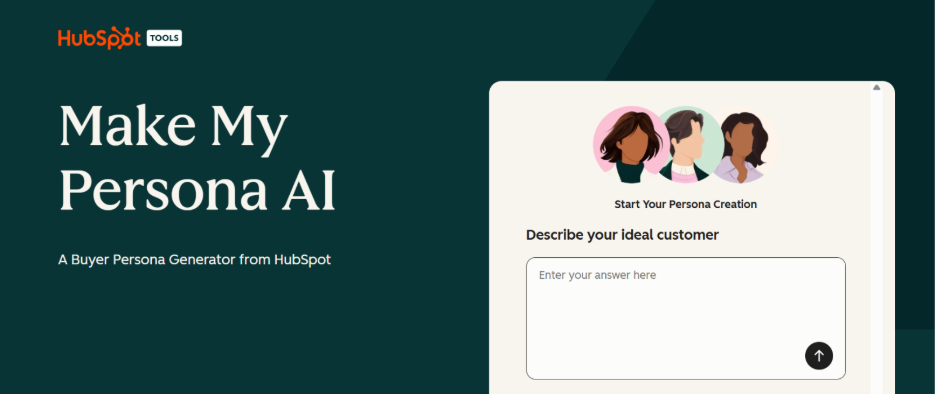
Make My Persona by HubSpot is a free tool for creating structured user personas based on goals, challenges, behaviour, and needs. It helps teams define who they are designing for.
Pros:
- Free and easy to use
- Good for turning research into simple, readable personas
- Helps teams align around who they are designing for
Cons:
- Not a full research repository
- Personas can become generic if not based on real user data
- Limited compared to advanced UX research platforms
Price: Make My Persona is a free tool from HubSpot. It can be used without a paid persona-specific plan, although HubSpot also offers paid CRM and marketing products separately.
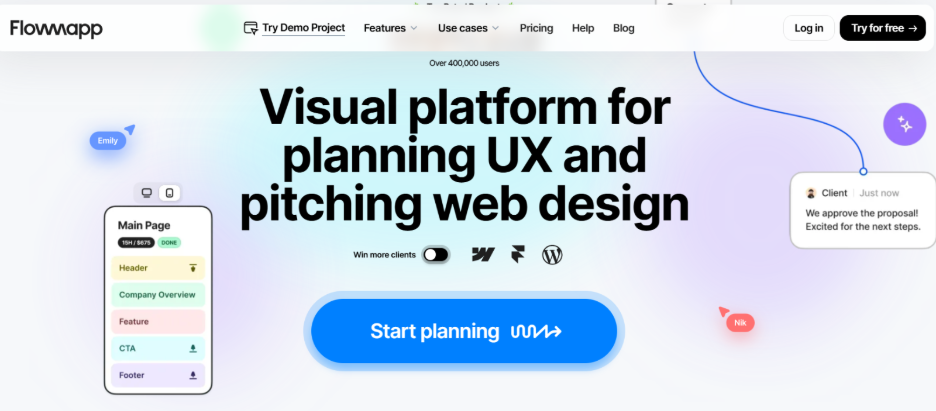
6. FlowMapp
FlowMapp is a UX planning tool for creating user flows, sitemaps, personas, and customer journeys. It helps teams turn research insights into clear product or website structures.
Pros:
- Strong for visualizing user flows, journeys, and site structure
- Useful for connecting personas with real product navigation
- Helps teams clarify where users face friction before ideation starts
Cons:
- More useful for websites and digital products than non-digital services
- May be unnecessary for very small projects
- Some advanced collaboration and project limits require paid plans
Price: FlowMapp has a free plan with 1 project and 20 pages. Paid monthly plans start at $15/month for Pro, $35/month for Team, and $99/month for Agency. Annual billing is available at discounted rates.
Manage strategy and value flow with SAFe® Lean Portfolio Management Certification now and step into a bright career!
Stage 3: Ideate
The Ideate stage helps teams move from one obvious solution to many possible ideas. This is where brainstorming, SCAMPER, Crazy 8s, and idea clustering help teams explore more creative directions before choosing the best one.
7. Miro
Miro is an online whiteboard tool used for brainstorming, workshops, sticky notes, diagrams, and team collaboration. In the Ideate stage, it helps teams run structured sessions using methods like IDEO’s brainstorming rules, Crazy 8s, and How Might We idea boards.
For teams using Miro in Agile workshops, the Leading SAFe 6.0 Certification helps explain how collaboration, alignment, and PI Planning work at enterprise scale.
Pros:
- Good for remote and in-person brainstorming
- Offers templates for mind maps, workshops, journey maps, and ideation
- Help teams group, vote, and prioritize ideas visually
Cons:
- Boards can become messy without a facilitator
- The free plan has limited editable boards
- Large teams may need paid plans for better control and collaboration
Price: Miro has a free plan with limited editable boards. Paid plans start with the Starter plan, while the Business plan is listed at $20 per member/month when billed annually. Enterprise pricing is available on request.
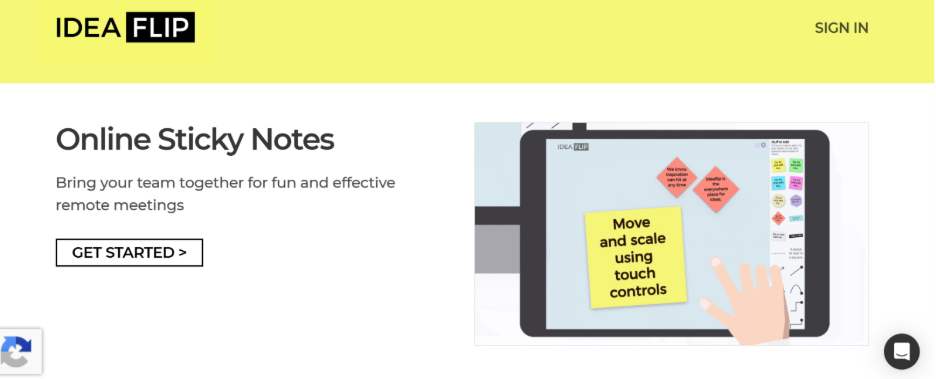
8. Ideaflip
Ideaflip is an online sticky-note tool for brainstorming, planning, and organizing team ideas. In the Ideate stage, it is useful for collecting raw ideas, sorting them into groups, and applying methods like brainstorming, dot voting, and idea clustering.
Pros:
- Simple and focused tool for idea capture
- Useful for workshops, planning sessions, and remote brainstorming
- Allows teams to invite collaborators and organize ideas visually
Cons:
- Less feature-rich than larger whiteboard tools like Miro
- Not ideal for complex UX mapping or prototyping
- Pricing details can vary by plan and team setup
Price: Ideaflip offers a free trial. Its Professional plan is listed at $12 per user/month, with a minimum monthly cost of $24/month for a team setup.
9. MindMeister
MindMeister is an online mind mapping tool used to organize ideas visually. In the Ideate stage, it helps teams expand one idea into many directions, making it useful for SCAMPER, idea of branching, and turning scattered thoughts into clear solution paths.
Pros:
- Easy to use for mind maps and idea expansion
- Good for organizing complex ideas into clear branches
- Supports real-time collaboration and sharing
Cons:
- The free plan is limited to a small number of mind maps
- Less suitable for sketching or visual prototyping
- Advanced export and collaboration features may require paid plans
Price: MindMeister has a free plan that allows up to 3 mind maps. Paid plans are available for individuals and teams, with pricing shown on its official pricing page based on billing cycle and plan type.
Stage 4: Prototype
The Prototype stage turns selected ideas into something users can see, click, or experience. Teams can start with paper prototyping for quick validation, then move to digital prototypes, UI mockups, and storyboards to map the full user journey.
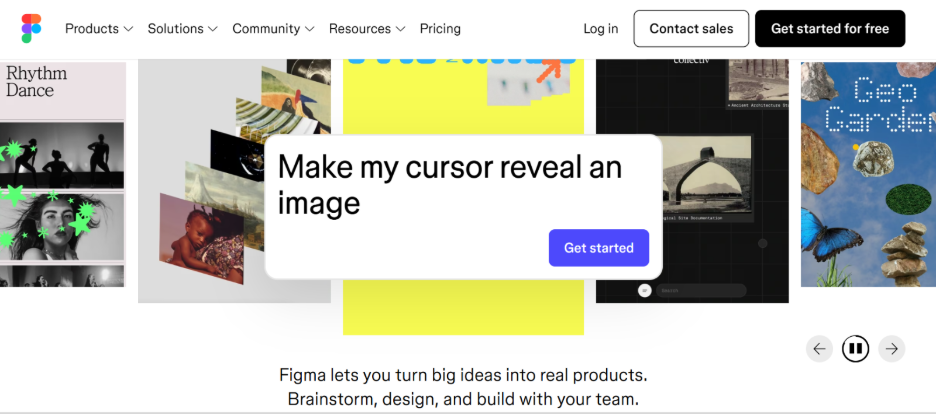
10. Figma
Figma is a collaborative design tool used to create wireframes, UI screens, clickable prototypes, and design systems. It is useful for moving from paper sketches to digital prototypes quickly.
Pros:
- Great for real-time team collaboration
- Useful for wireframes, clickable prototypes, and UI design
- Easy to share designs and collect comments
Cons:
- Can feel complex for beginners
- Needs internet for smooth collaboration
- Advanced team features need paid plans
Price: Figma has a free Starter plan. Paid plans are listed on its official pricing page, with higher plans for professional teams and organizations.
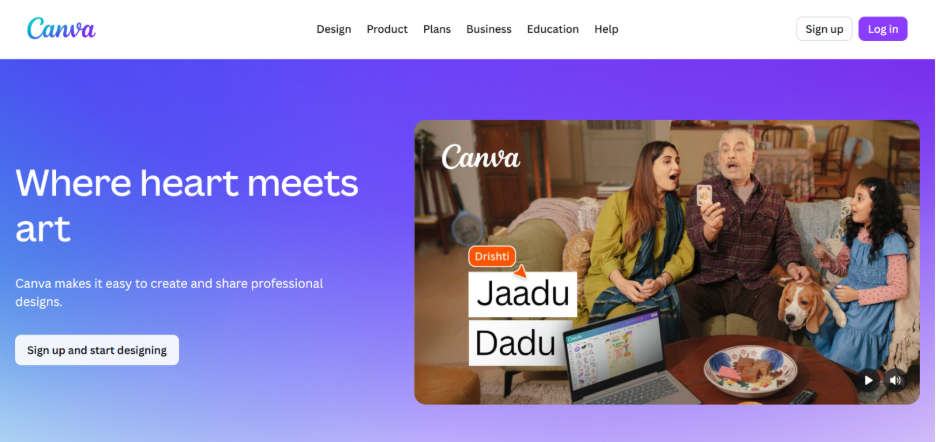
11. Canva
Canva is a visual design tool used to create mockups, wireframes, storyboards, presentations, and simple prototype layouts. It is useful in the Prototype stage when teams want to make an idea visual quickly without advanced design skills.
Pros:
- Easy for non-designers to use
- Good for low-fidelity prototypes, storyboards, and presentation-style mockups
- Offers ready-made templates for layouts, flows, and visual concepts
Cons:
- Not ideal for advanced UX prototyping
- Limited interaction design compared to Figma
- Can become design-heavy instead of user-flow focused
Price: Canva has a free plan. Canva Pro is listed at $15/month for one person, while Canva Teams pricing depends on the number of users and team requirements.
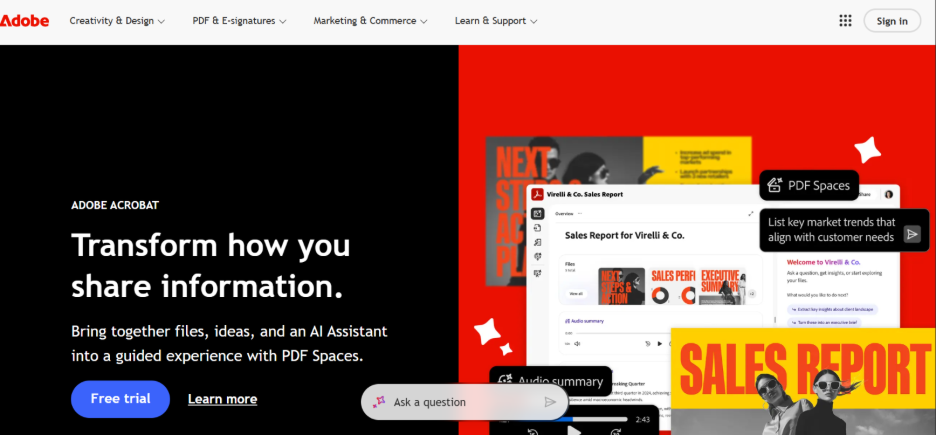
12. Adobe XD
Adobe XD is a UI/UX design tool used for wireframing, interface design, interaction design, prototyping, and sharing user experiences.
Pros:
- Useful for wireframes, UI screens, and clickable prototypes
- Works well for teams already using Adobe Creative Cloud
- Supports interaction design and prototype sharing
Cons:
- Adobe XD is currently in maintenance mode
- Adobe is not investing in new feature development for XD
- Not the best option for teams choosing a new prototyping tool today
Price: Adobe’s support page says XD is in maintenance mode, with support focused on bugs, security, and privacy updates rather than new features.
Become a better Agile facilitator with SAFe® 6.0 Scrum Master Certification today!
Stage 5: Test
The Test stage helps teams check whether their prototype actually works for real users. This stage includes task-based usability testing, exploratory testing, feedback grids, and sometimes A/B testing to compare design options.
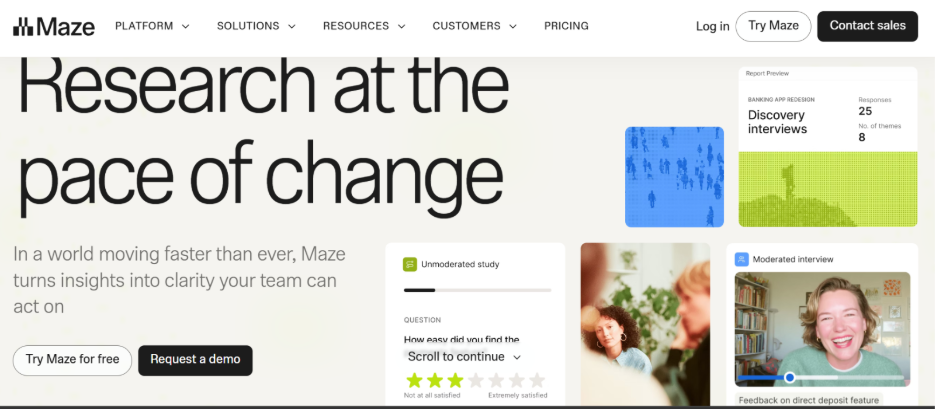
13. Maze
Maze is a user research and prototype testing platform used to test designs, collect feedback, and measure how users complete tasks.
Pros:
- Good for task-based usability testing
- Works well with prototypes from tools like Figma
- Helps track clicks, paths, drop-offs, and user feedback
- Useful for comparing design options before launch
Cons:
- The free plan has study limits
- Advanced research features require paid or custom plans
- Works best when test tasks are clearly written
Price: Maze has a free plan with limited studies. Its official pricing page currently shows free access and custom pricing options for larger research needs.
14. UXtweak
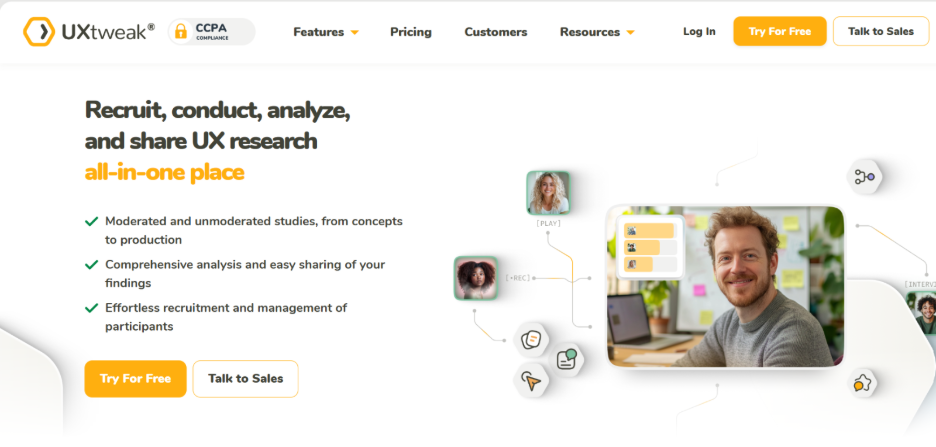
UXtweak is a UX research and usability testing platform used to test websites, prototypes, apps, information architecture, and user flows. Testing tools work best when teams act on feedback quickly. The SAFe 6.0 Scrum Master Certification helps professionals support feedback loops, team flow, and continuous improvement.
Pros:
- Useful for usability testing, card sorting, tree testing, and prototype testing
- Supports both task-based and exploratory research
- Helps teams understand where users struggle in a flow
- Good for collecting actionable user feedback
Cons:
- Some features may feel advanced for beginners
- The free plan has usage limits
- Larger studies and team use may need paid plans
Price: UXtweak has a free plan with one user license. Its pricing page lists free access for trying UX research tools, with paid plans available based on research needs and team size.
15. Mural
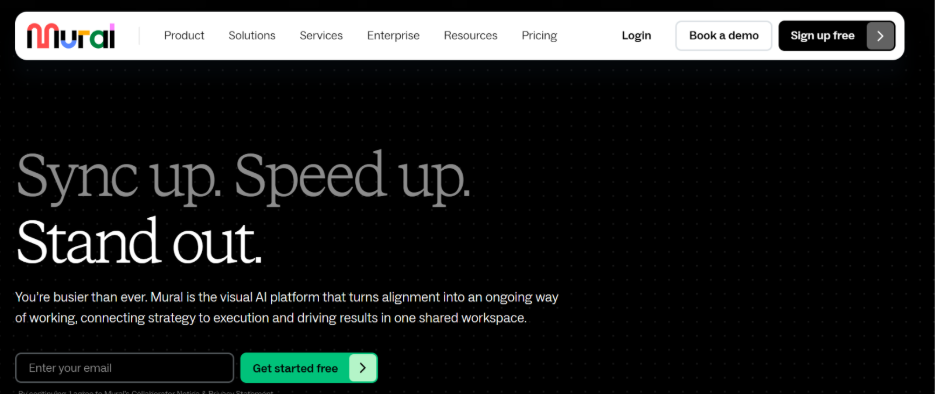
Mural is a visual collaboration tool used for workshops, feedback sessions, journey mapping, and team discussions after user testing.
Pros:
- Good for organizing test feedback visually
- Useful for creating a Feedback Capture Grid
- Helps teams discuss findings together after usability tests
- Strong for remote workshops and collaborative decision-making
Cons:
- Not a dedicated usability testing platform
- Needs facilitation to keep workshops focused
- Can become cluttered if too many comments or sticky notes are added
Price: Mural has a free plan. Its Team+ plan is listed at $12.99 per member/month when billed monthly, or $9.99 per member/month when billed annually.
Design Thinking Tools in Agile and SAFe
Design thinking tools help Agile and SAFe teams understand user needs before turning ideas into features, stories, and backlog items. For product managers, these tools make PI Planning more user-focused instead of only delivery-focused.
Empathy Maps and Journey Maps Before PI Planning
Before PI Planning, product managers use empathy maps and journey maps to understand users’ pain points, goals, blockers, and decision moments. A SAFe 6.0 POPM Certification is the most relevant next step because it focuses on backlog management, PI Planning, prioritization, and customer-centric value.
This helps teams identify which features are genuinely useful, which problems need priority, and where the product experience needs improvement. Tools like Miro, Mural, FigJam, or FlowMapp can be used to map these insights visually before they become roadmap items.
How SAFe POPM Certification Trains You to Apply HMW Questions in Backlog Refinement
SAFe POPM teaches product managers and product owners to connect customer needs with features, stories, and business value.
How might we use questioning to help turn user problems into actionable backlog opportunities? For example, instead of writing to find onboarding confusing, a team can ask, how might we make onboarding faster and easier for first-time users?
Free vs Paid Design Thinking Tools
| Type | Tools | Why Use Them |
| Free Plan | Typeform, Hotjar, Make My Persona, FlowMapp, Miro, MindMeister, Figma, Canva, Maze, UXtweak, Mural | Good for basic research, brainstorming, prototyping, and testing. |
| Paid Plans | UserTesting, EnjoyHQ, Ideaflip, Miro, Figma, Maze, UXtweak, Canva, Mural | Best for teams, advanced features, higher limits, and collaboration. |
| Check Before Use | Adobe XD | In maintenance mode, it is better for existing Adobe users. |
For leaders managing multiple teams, the SAFe 6.0 Lean Portfolio Management Certification is a natural fit. It connects strategy, portfolio flow, funding, and value delivery at scale.
Conclusion
Design thinking becomes more effective when teams use the right tools at the right stage. Each stage has a different purpose: understanding users, defining the problem, generating ideas, building prototypes, and testing solutions. Tools like Typeform, Hotjar, Miro, Figma, Maze, UXtweak, and Mural make this process easier, faster, and more organized.
The goal is not to use every tool. The goal is to choose the tool that fits your team, project, budget, and stage of work. A simple survey tool may be enough for early research, while a testing platform may be better for validating prototypes.
When used well, design thinking tools help teams reduce guesswork, improve collaboration, and build solutions that users actually need.
Explore all our leading SAFe® Certifications to build Agile leadership, product ownership, PI Planning, and enterprise delivery skills with confidence!
Frequently Asked Questions
1. What is an empathy map used for?
An empathy map is used to understand users by organizing what they say, think, do, and feel. It helps teams identify user needs, pain points, emotions, and motivations before designing a solution.
2. What is the SCAMPER technique?
SCAMPER is a creative thinking method used to generate new ideas. It stands for Substitute, Combine, Adapt, Modify, Put to another use, Eliminate, and Reverse.
3. How do you prototype in design thinking?
In design thinking, prototyping means creating a quick, simple version of an idea so users can react to it. This can be a paper sketch, wireframe, clickable design, mockup, or basic model.
4. What free tools are used for design thinking workshops?
Free design thinking workshop tools include Miro, FigJam, Canva, Figma, Mural, Google Forms, and Typeform free plans. They help with brainstorming, mapping, prototyping, and feedback collection.
5. How do design thinking tools connect to Agile?
Design thinking tools help Agile teams understand users before building features. They support discovery, empathy mapping, journey mapping, HMW questions, prototyping, and user testing before backlog refinement or sprint planning.


